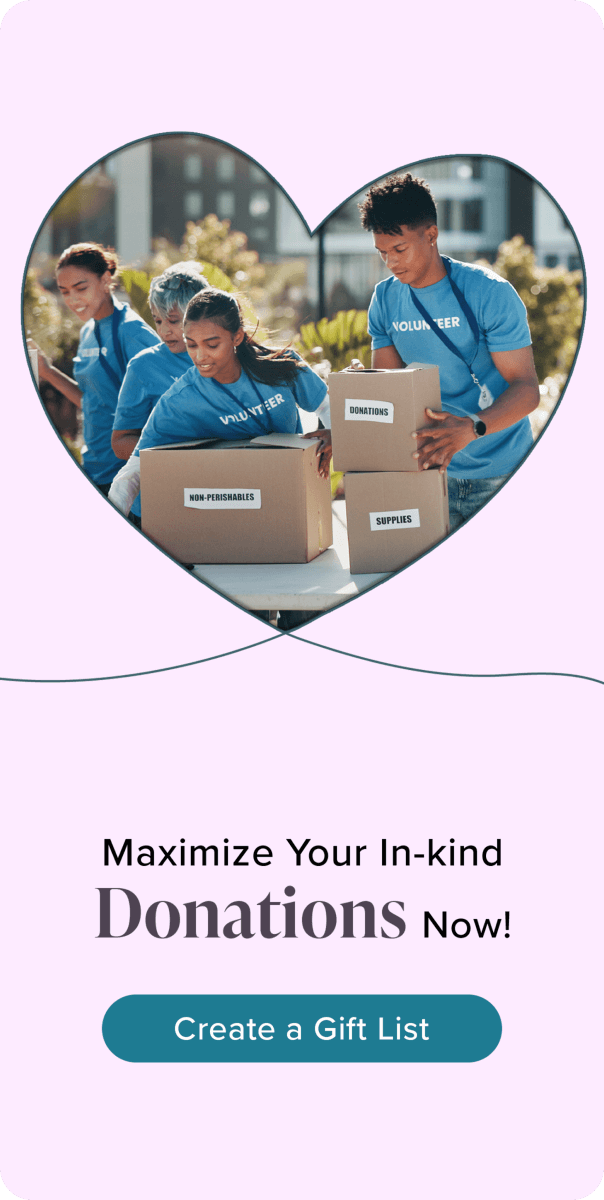
Creating a nonprofit gift list is one thing; getting it seen, shared, and supported at scale is another.
In 2026, going viral isn’t luck. It’s a strategy.
This guide breaks down exactly how nonprofits can turn a simple nonprofit gift list into a high-performing, widely shared campaign that drives real donations.
Quick Answer
To make your nonprofit gift list go viral:
- Be specific about what you need
- Make your list easy to understand and share
- Use emotional storytelling
- Leverage social proof and community sharing
- Remove friction from the donation process
The easier and more compelling your list is, the more people will share it.
What “Viral” Means for Nonprofits
For nonprofits, viral doesn’t just mean views, it means:
- More shares across social platforms
- Increased donor engagement
- Higher conversion rates
- Community-driven momentum
The goal is reach + action.
Step-by-Step: How to Make Your Gift List Go Viral
1. Start With Specific, Tangible Needs
Vague asks don’t get shared.
Instead of:
- “Support our shelter”
Say:
- “Help us provide 100 winter coats for families in need”
Specificity increases both clicks and donations.
2. Use Emotional, Story-Driven Messaging
People don’t share gift lists, they share stories.
Include:
- Who you’re helping
- Why it matters now
- The impact of each item
Emotional clarity drives viral behavior.
3. Make Your Gift List Extremely Easy to Use
If your list is confusing or hard to navigate, it won’t spread.
Optimize for:
- One clear link
- Simple browsing
- Quick checkout
- Mobile-friendly experience
Friction kills virality.
4. Add a Wide Range of Donation Options
Include:
- Low-cost items (easy shares + impulse giving)
- Mid-range items (most conversions)
- High-value group gifts (big impact)
- Cash fund options
More options = more participation.
5. Leverage Social Proof
People are more likely to give when they see others giving.
Show:
- Items already purchased
- Progress toward goals
- Community involvement
Momentum creates momentum.
6. Use Shareable Content Formats
Your gift list should be paired with:
- Short videos (Instagram, TikTok)
- Before/after visuals
- Impact snapshots
- Simple graphics
Visual content increases shareability dramatically.
7. Activate Your Community First
Virality starts small.
Begin with:
- Volunteers
- Local supporters
- Email subscribers
- Board members
Early traction fuels wider reach.
8. Create Urgency
People act faster when there’s a deadline.
Examples:
- “Help us reach 50 donations by Friday”
- “Only 20 items left to fulfill”
Urgency increases both sharing and conversions.
Feature Comparison: High-Viral vs Low-Performing Gift Lists
| Feature | High-Viral Gift List | Low-Performing Gift List |
|---|---|---|
| Clarity of Needs | Specific | Vague |
| Ease of Use | Simple | Complicated |
| Emotional Appeal | Strong | Weak |
| Shareability | High | Low |
| Donation Options | Diverse | Limited |
Viral campaigns are built on clarity + simplicity + emotion.
Cost Comparison: Tools for Viral Gift Lists
| Platform Type | Setup Cost | Fees | Viral Potential |
|---|---|---|---|
| MyRegistry (Gift List) | Free | Varies by retailer/payment | ⭐⭐⭐⭐⭐ |
| Amazon Wishlist | Free | None | ⭐⭐ |
| Donation Platforms | Free | ~2.9% + fees | ⭐⭐⭐⭐ |
Gift lists that combine items + flexible contributions tend to perform best.
Pros and Cons of Viral Gift List Campaigns
Pros
- Rapid increase in donations
- Strong community engagement
- Higher visibility for your cause
- Increased trust through transparency
- Opportunity for repeat donors
Cons
- Requires consistent promotion
- Needs strong storytelling
- Can be difficult to sustain momentum
- Logistics must keep up with demand
Why Some Nonprofit Gift Lists Go Viral (And Others Don’t)
What Works:
- Clear, specific asks
- Emotional storytelling
- Easy sharing
- Community involvement
What Doesn’t:
- Generic donation requests
- Poor user experience
- Lack of urgency
- Limited visibility
Expert Recommendations (MyRegistry.com Best Practices)
1. Make Every Item Feel Meaningful
Each item should answer:
“Why does this matter?”
2. Keep Your List Updated in Real Time
Remove purchased items and highlight what’s still needed.
3. Use One Central Link Everywhere
Avoid splitting traffic across multiple platforms.
MyRegistry.com allows you to manage and share everything in one place.
4. Combine Item Donations With Cash Options
Capture all donor preferences to maximize contributions.
5. Encourage Sharing Explicitly
Ask supporters to:
- Share your list
- Tag others
- Spread the word
People are more likely to share when asked directly.
Common Questions
How do nonprofit campaigns go viral?
Through a combination of:
- Emotional storytelling
- Social sharing
- Clear calls to action
- Easy participation
What makes people share donation links?
Content that is:
- Relatable
- Urgent
- Easy to understand
- Visually engaging
Can a small nonprofit go viral?
Yes. Many viral campaigns start with small, local communities.
Do gift lists perform better than donation links?
Often, yes, because they provide clear, tangible ways to help.
Common Mistakes to Avoid
- ❌ Being too vague in your ask
- ❌ Making the list hard to navigate
- ❌ Not promoting consistently
- ❌ Ignoring storytelling
- ❌ Failing to create urgency
Final Takeaway
Viral nonprofit gift lists aren’t random; they’re designed.
When you combine:
- Clear needs
- Emotional connection
- Easy sharing
- Community momentum
You create a campaign people want to support and share.
Bottom Line
To make your nonprofit gift list go viral:
- Be specific
- Be emotional
- Be easy to share
- Be consistent
Platforms like MyRegistry.com help simplify the process, making it easier to create, manage, and share a gift list that reaches more people and drives more impact.
Because when giving is simple and meaningful, people don’t just donate… they spread the word.